Websites for you and your projects.
Hosted directly from your GitHub repository. Just edit, push, and your changes are live.
Pages Help


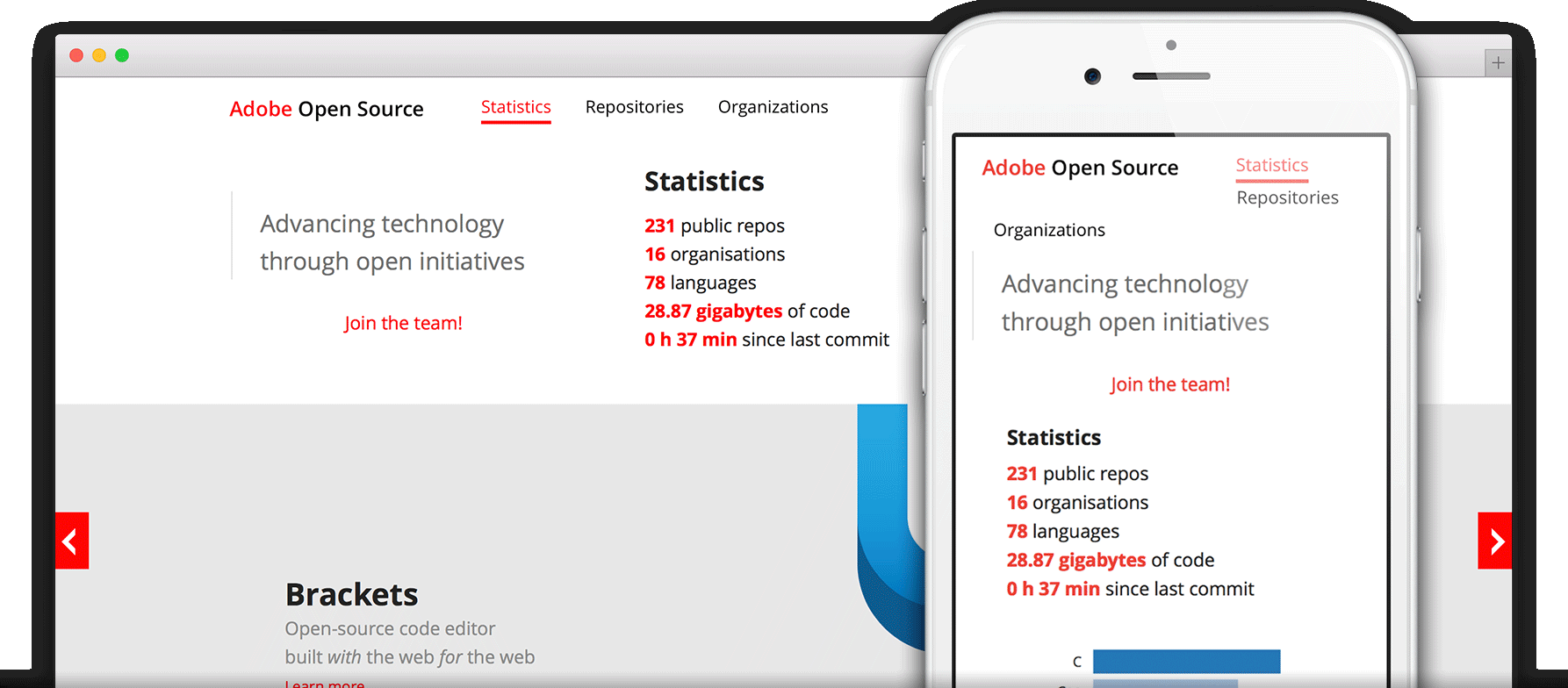
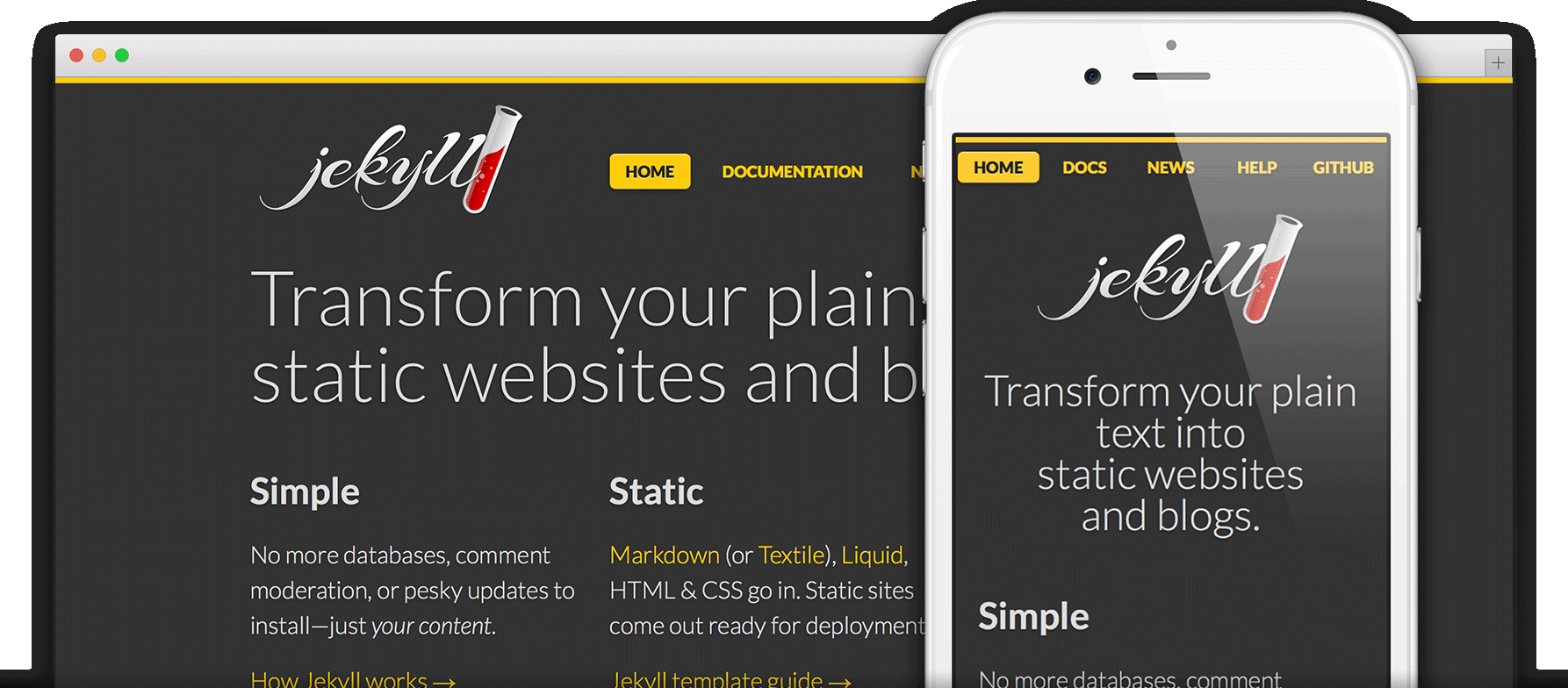
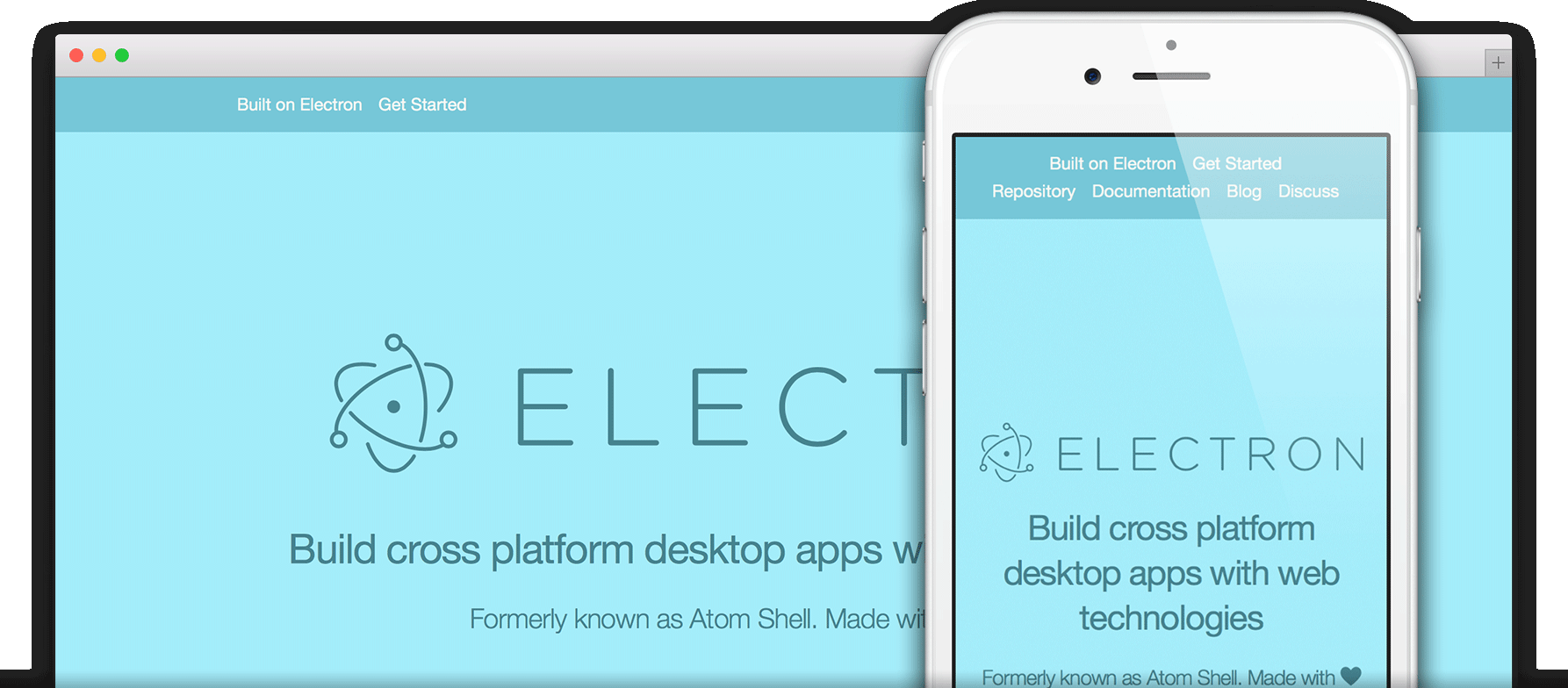
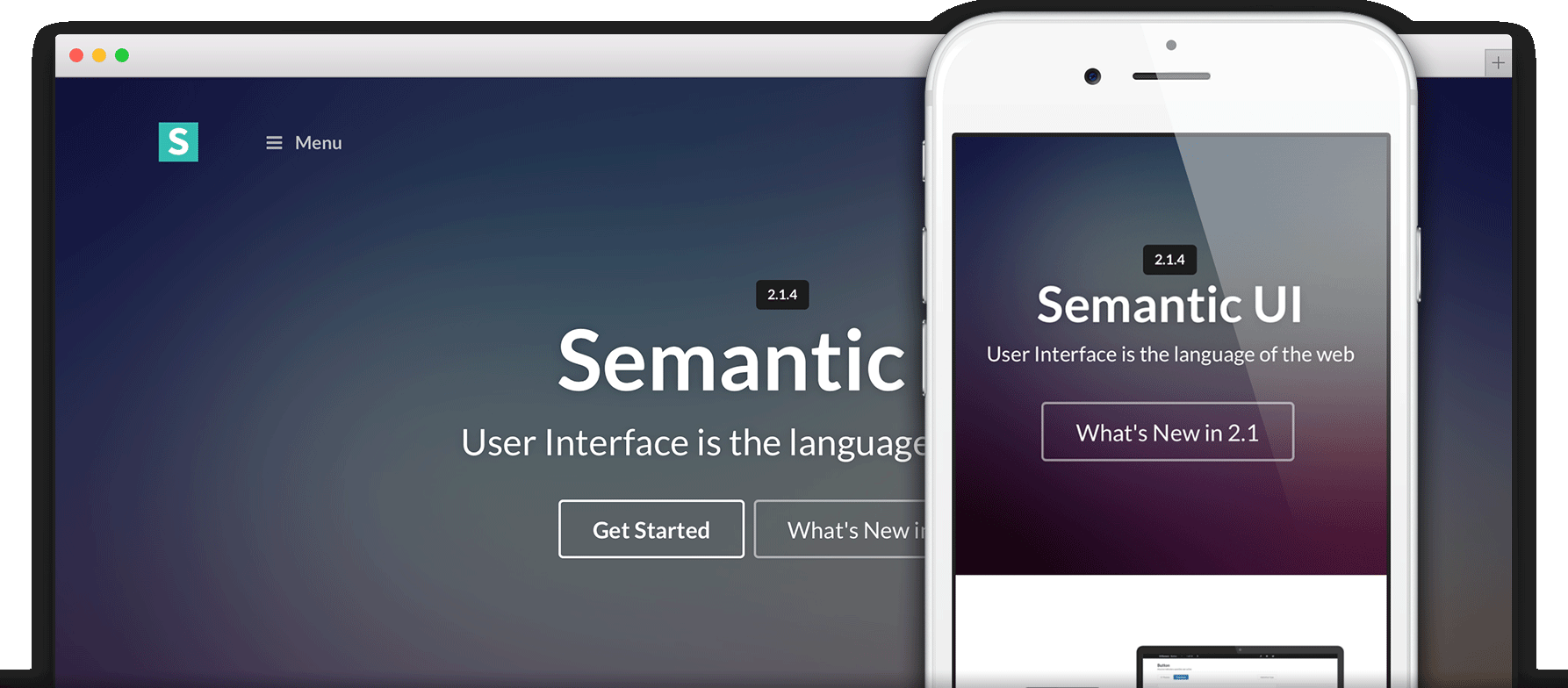
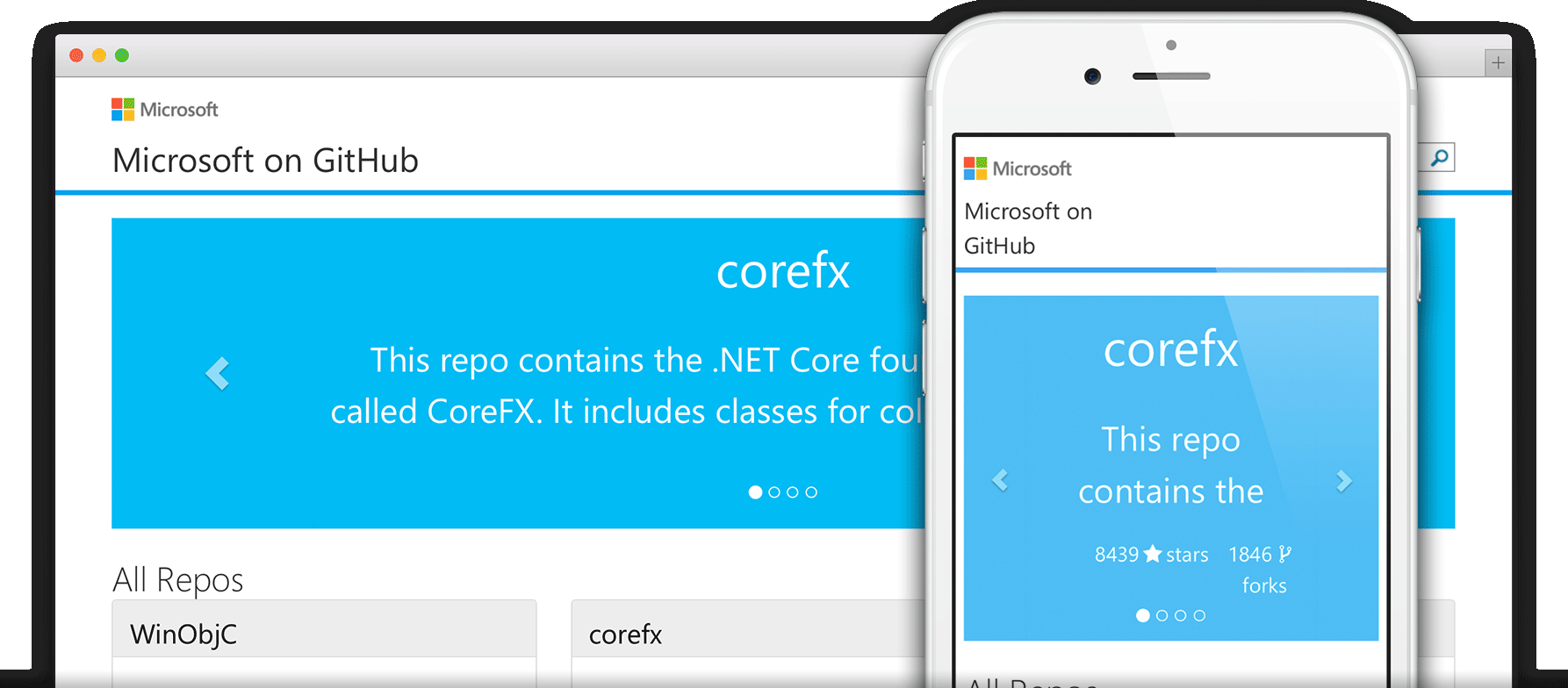
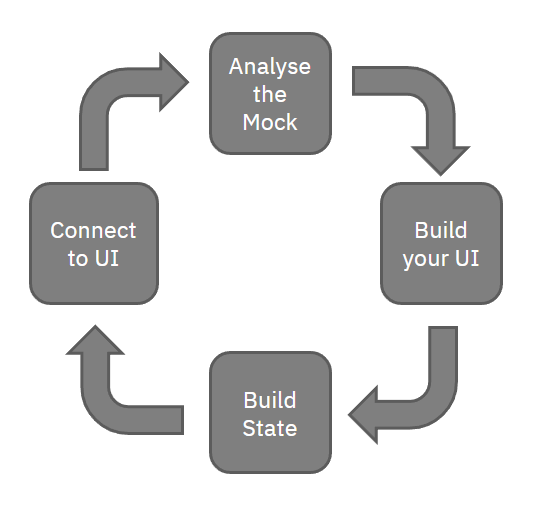
The boilerplate easy starting point to setup base UI with Storybook, Server with SSR and State Mangement with REST proxy
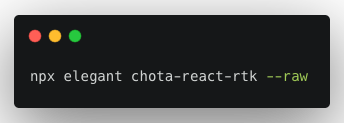
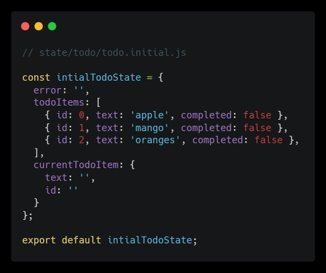
Go to the state folder, create todo folder and create todo.initial.js
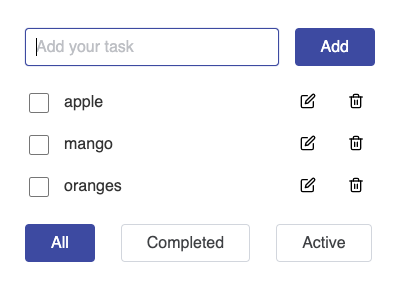
Understanding Site Scaffolding
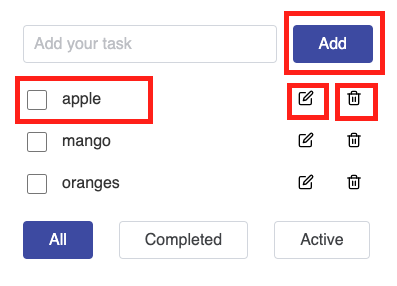
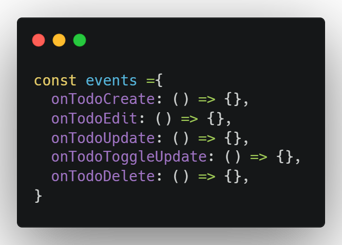
Evaluate Actionable Events
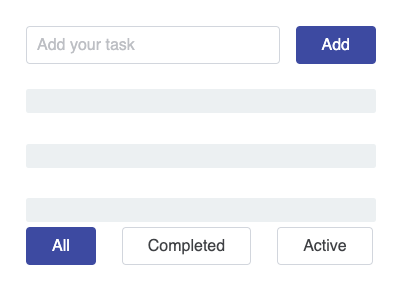
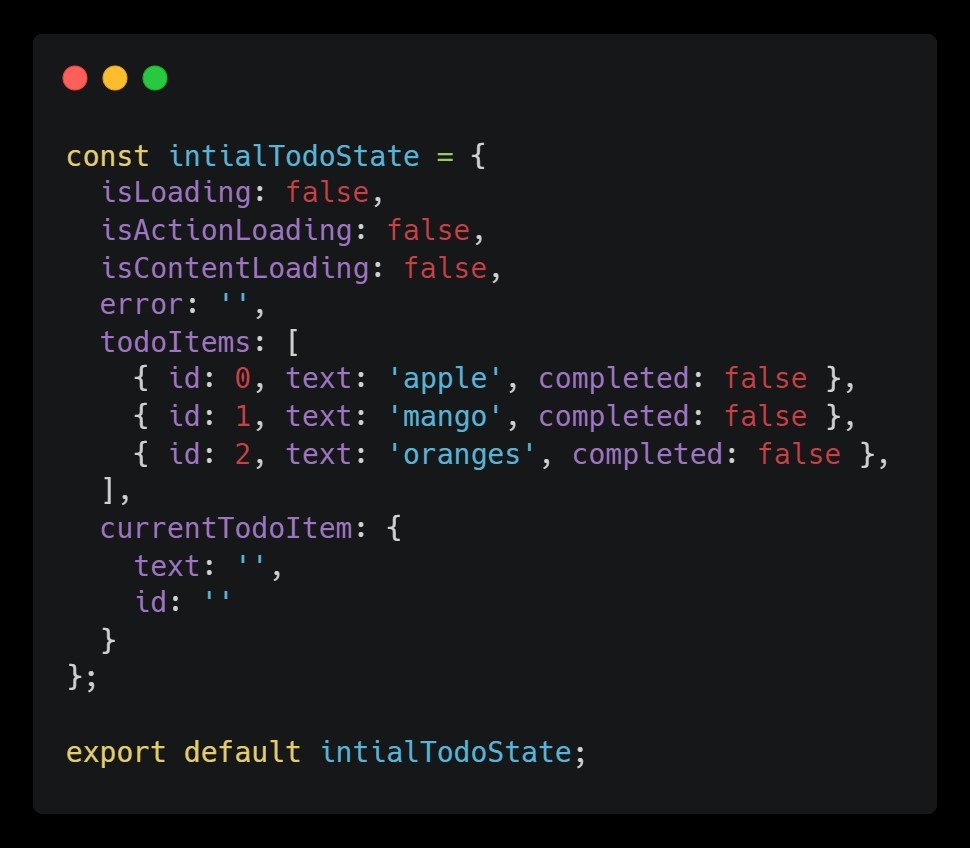
Streamline Loading Instances
Go to the state folder, create todo folder and create todo.initial.js
Build UI organism around Scaffolding
Check interactiveness and Responsiveness on Storybook
Define Events props for state operation and actions
Go to the state folder, create todo folder and create todo.initial.js
Use Site Scaffolding for initial state
Define Selectors and actions as per CRUD
Connect you Organism to your operation within your Container
One to One relationship with organism and reducer / state operation allows easy work distribution on a large application enabling developers to work parallelly and independently.
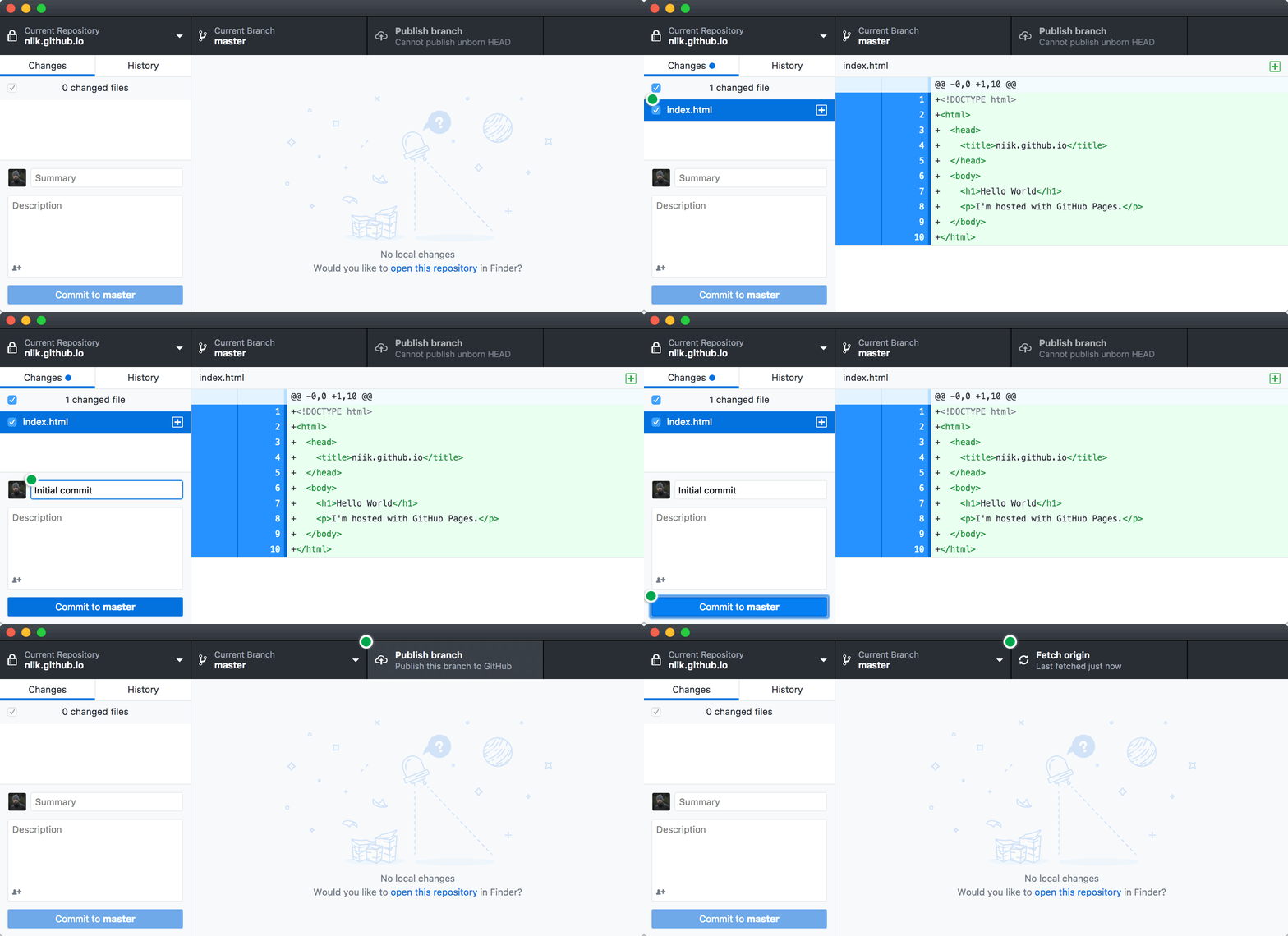
Add, commit, and push your changes:
~ $git add --all
~ $git commit -m "Initial commit"
~ $git push -u origin main
Fire up a browser and go to https:// username.github.io .
You have the option to start with one of the pre-built themes,
or to create a site from scratch.
Head over to
GitHub.com
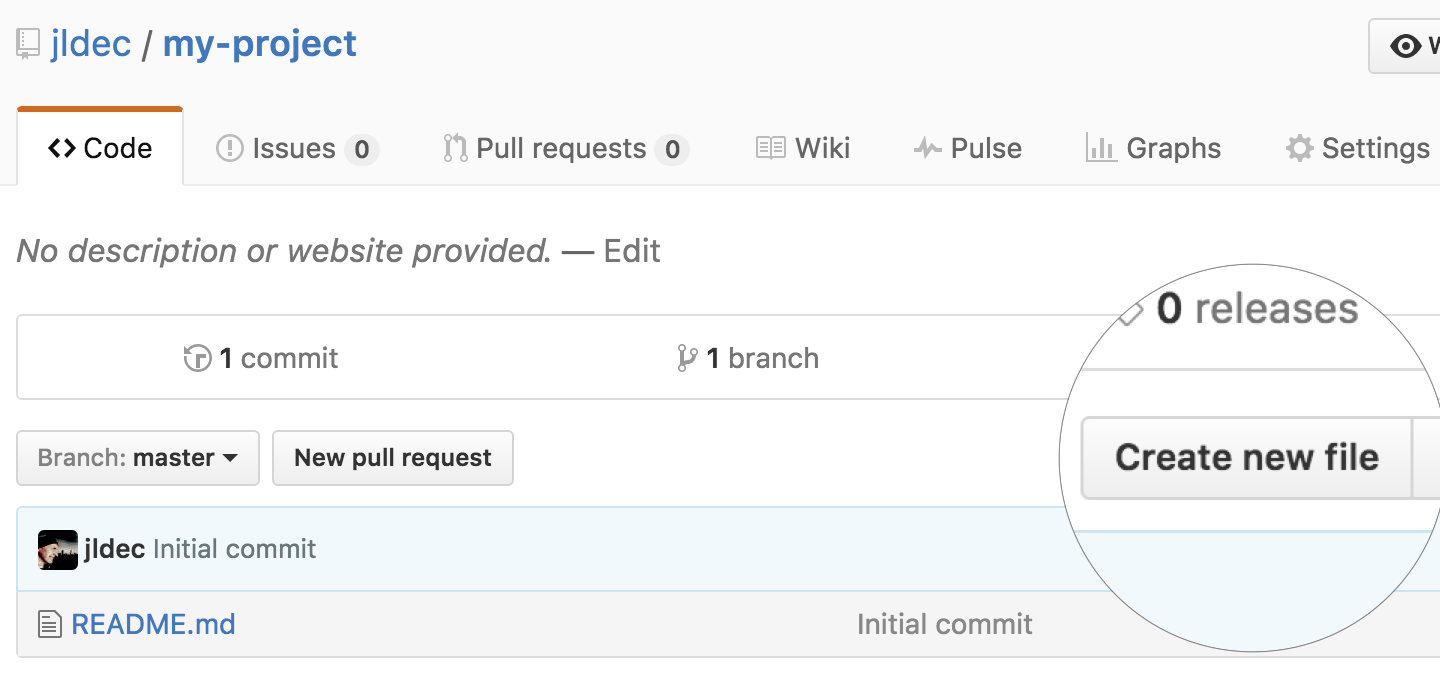
and create a new repository, or go to an existing one.
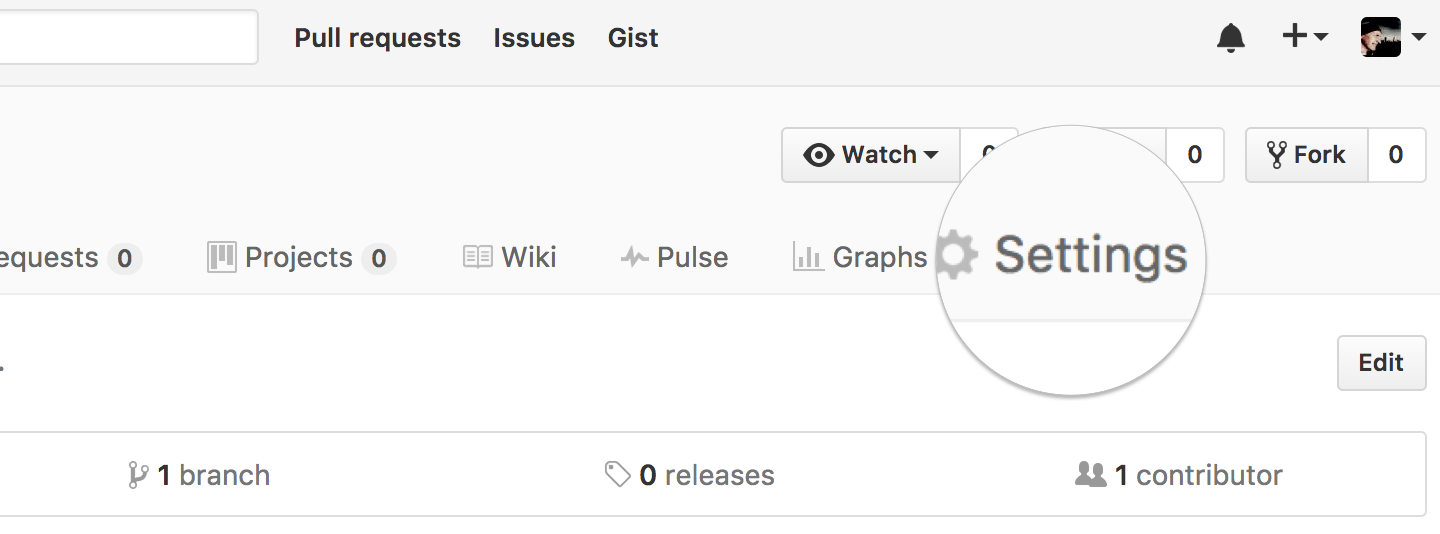
Click on the Settings tab.
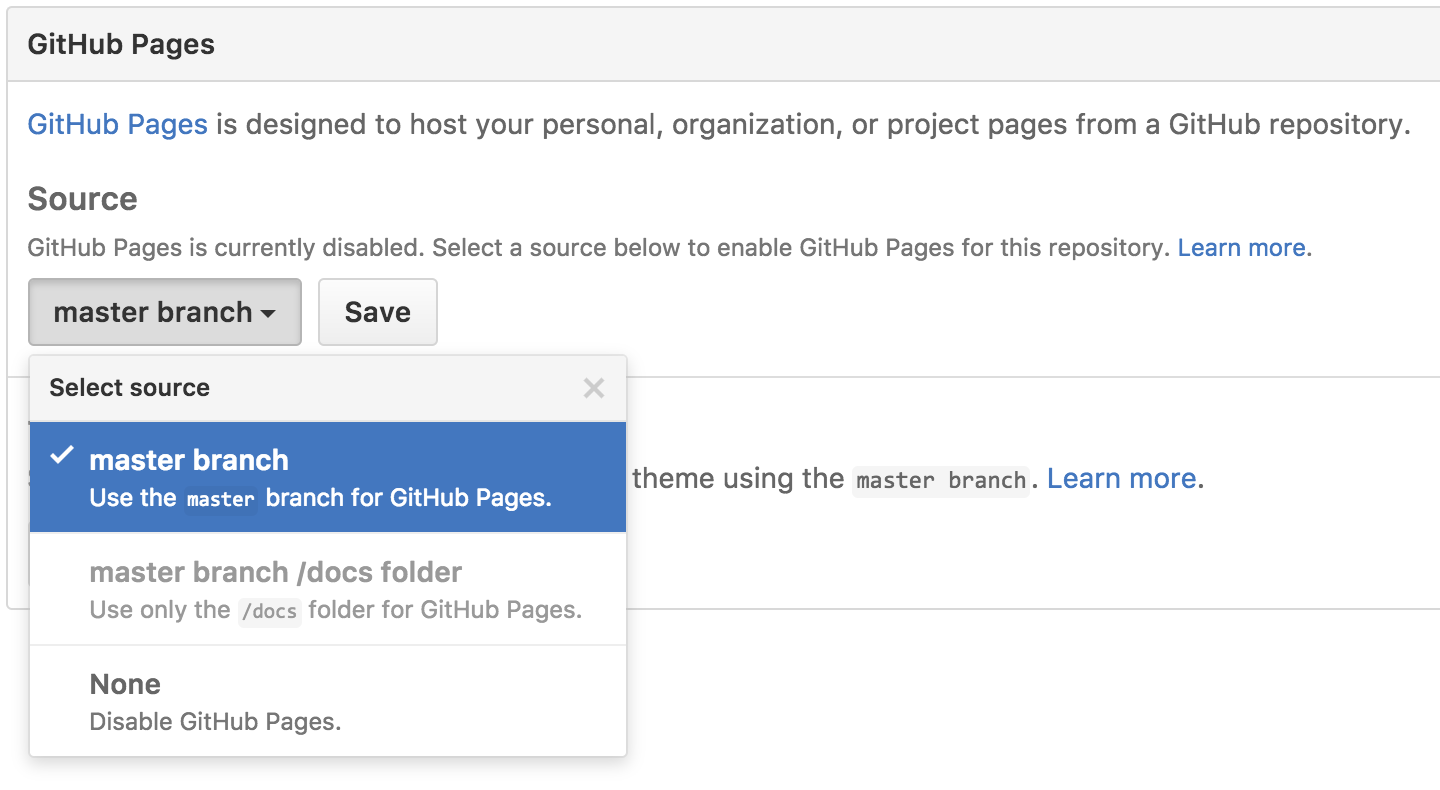
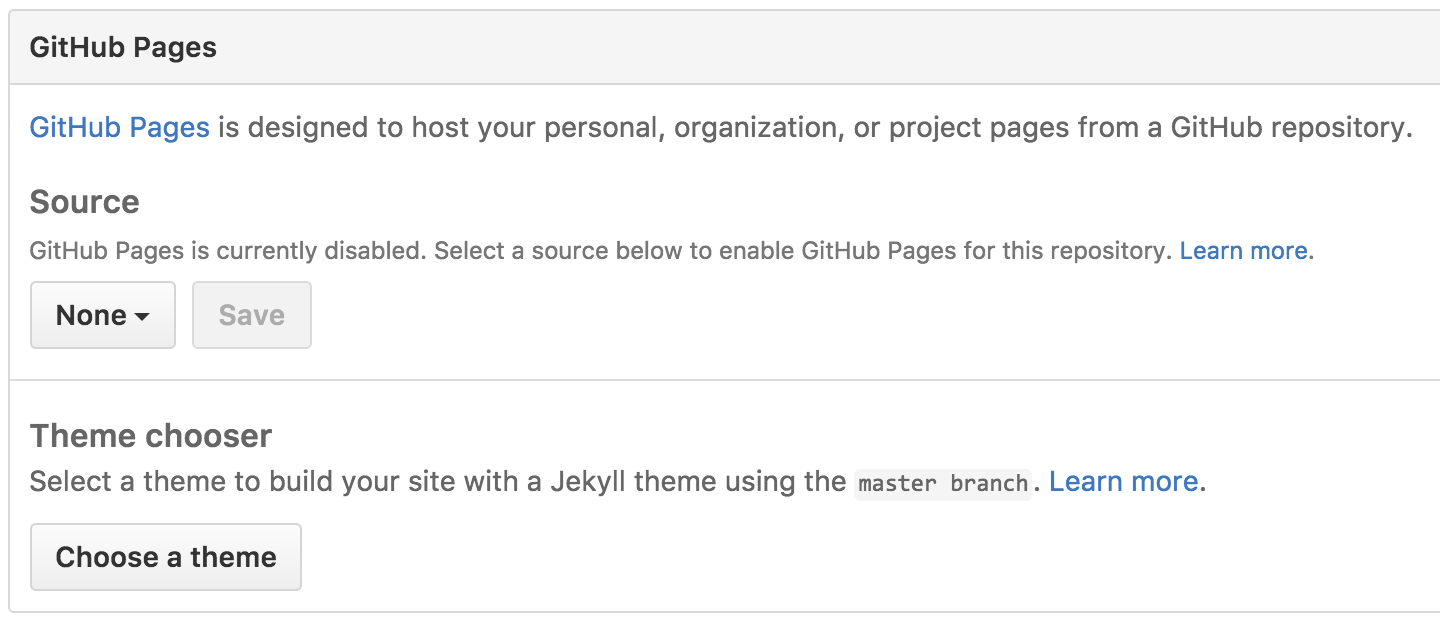
Scroll down to the GitHub Pages section. Press Choose a theme.
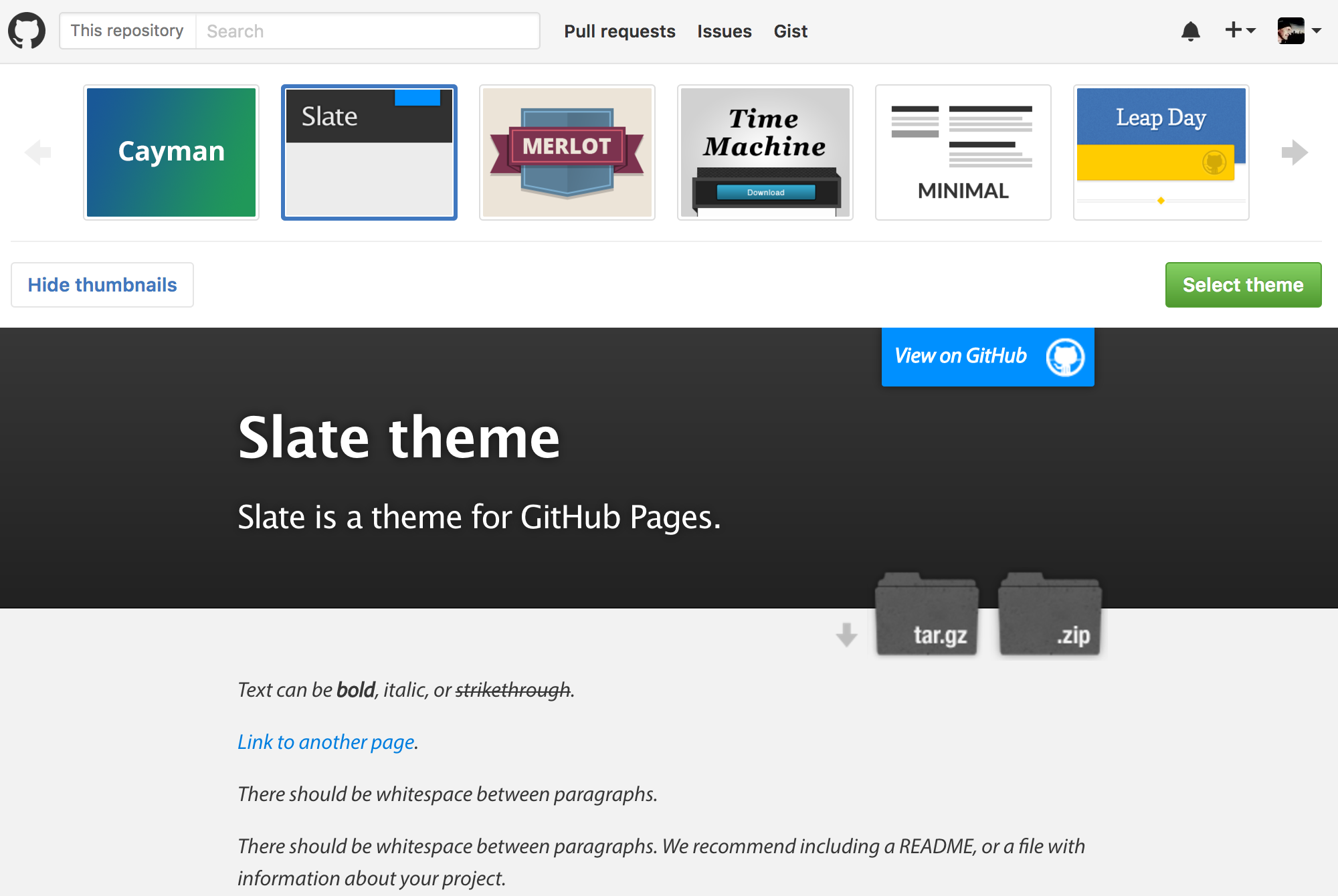
Choose one of the themes from the carousel at the top.
When you're done, click
Select theme on the right.
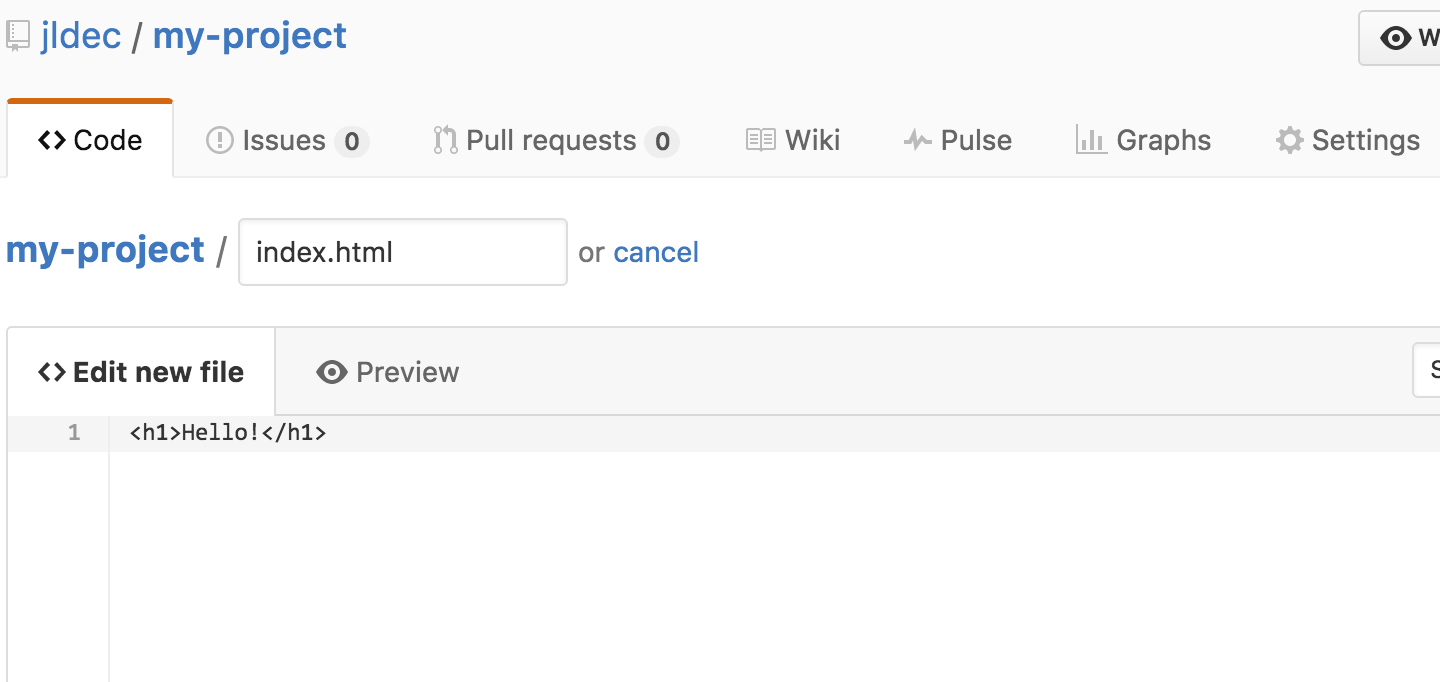
Use the editor to add content to your site.
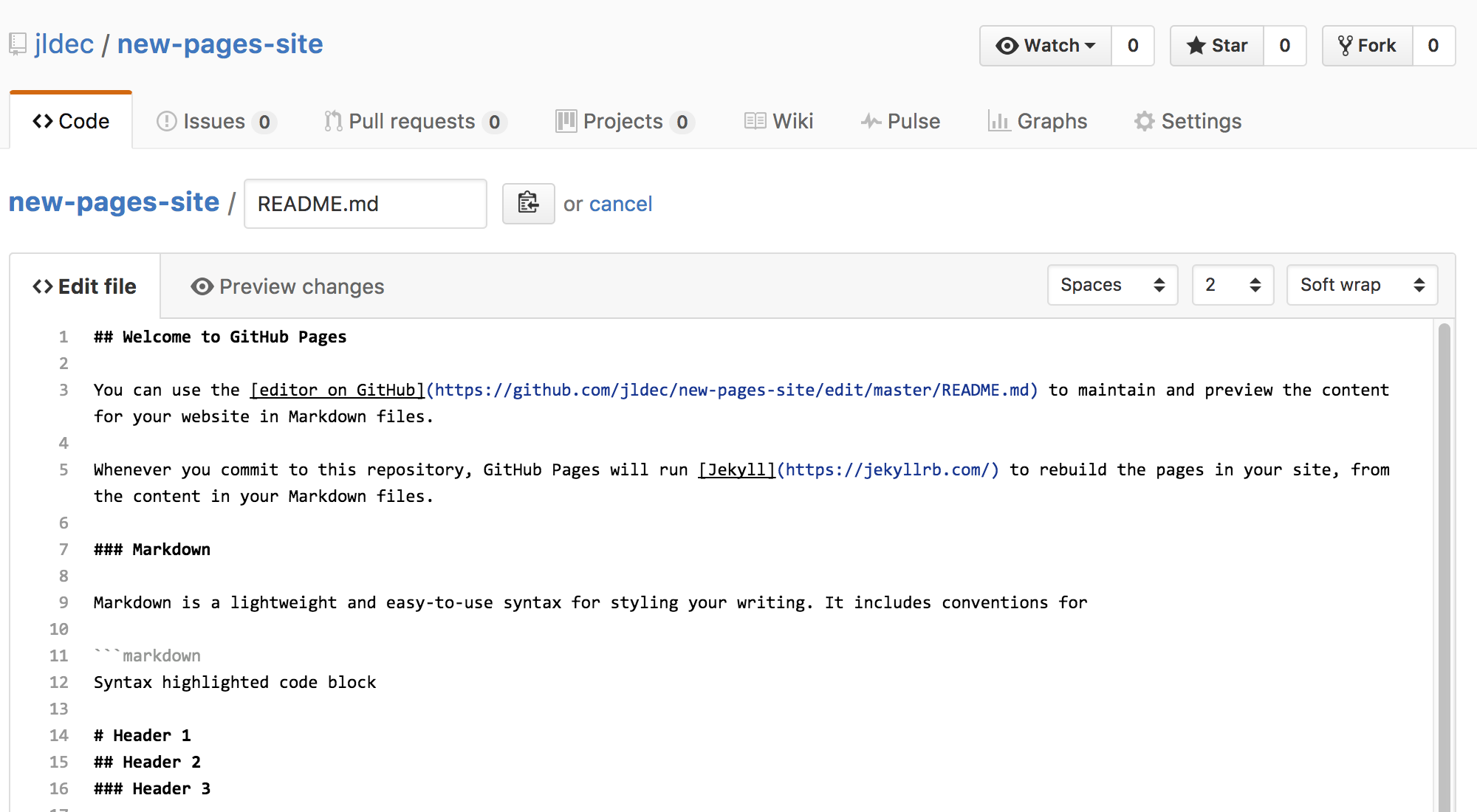
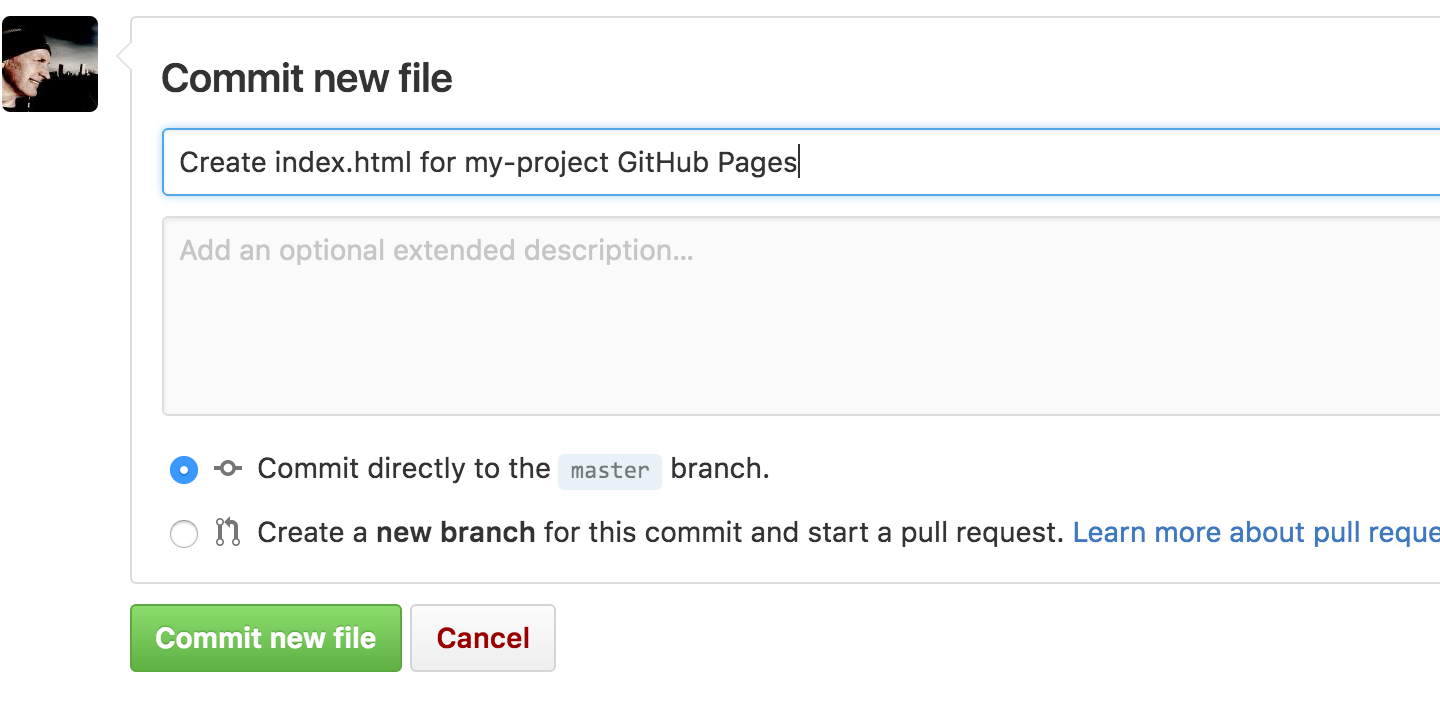
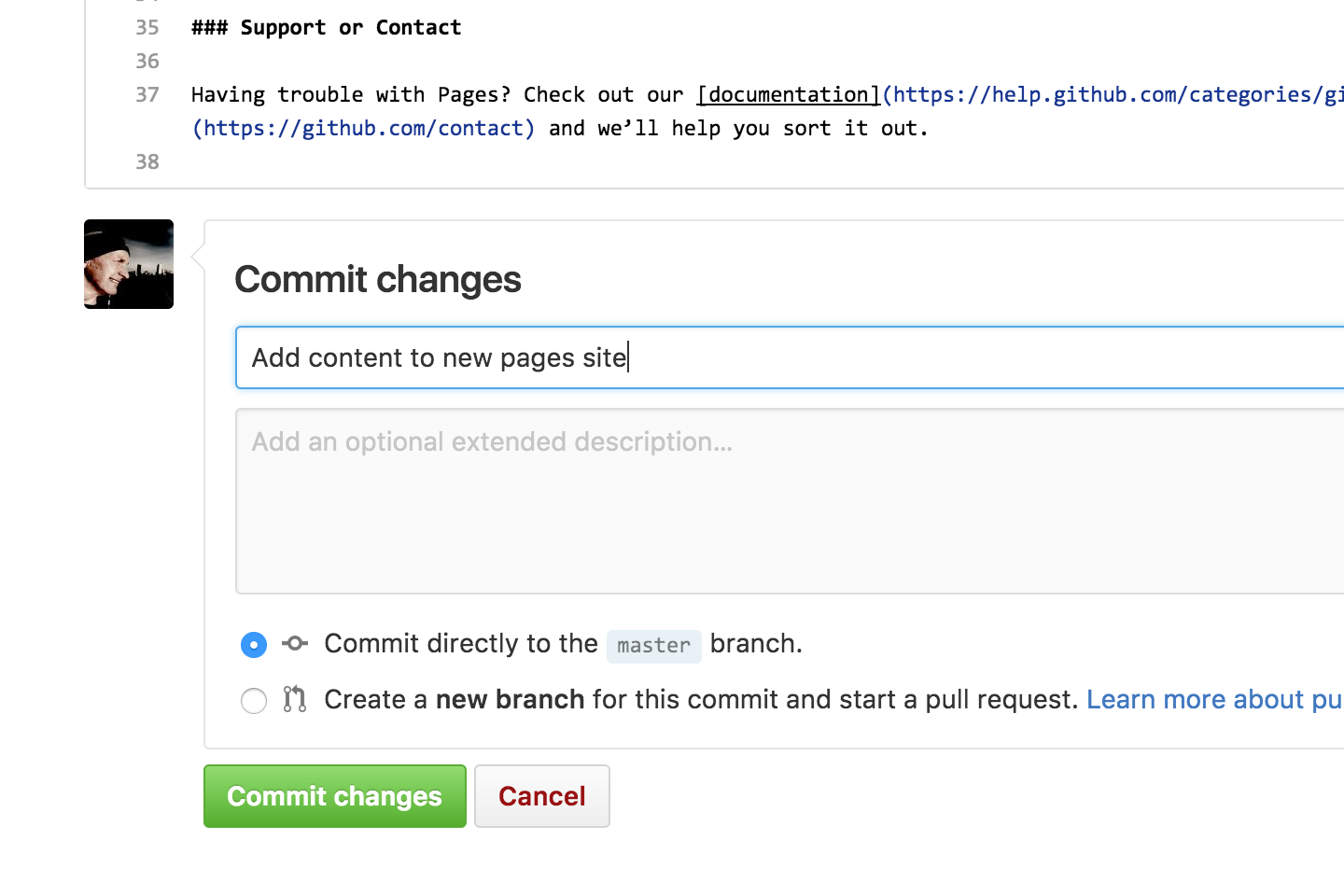
Enter a commit comment and click on Commit changes below the editor.
Fire up a browser and go to http:// username.github.io/ repository .
You have the option to start with one of the pre-built themes,
or to create a site from scratch.
Head over to
GitHub.com
and create a new repository, or go to an existing one.
Click on the Settings tab.
Scroll down to the GitHub Pages section. Press Choose a theme.
Choose one of the themes from the carousel at the top.
When you're done, click
Select theme on the right.
Use the editor to add content to your site.
Enter a commit comment and click on Commit changes below the editor.
Fire up a browser and go to http:// username.github.io/ repository .
You have the option to start with one of the pre-built themes,
or to create a site from scratch.
Head over to
GitHub.com
and create a new repository, or go to an existing one.
Click on the Settings tab.
Scroll down to the GitHub Pages section. Press Choose a theme.
Choose one of the themes from the carousel at the top.
When you're done, click
Select theme on the right.
Use the editor to add content to your site.
Enter a commit comment and click on Commit changes below the editor.
Fire up a browser and go to http:// username.github.io/ repository .